by Traverse Legal, reviewed by Enrico Schaefer - August 17, 2026 - Airbnb, Short Term Rentals
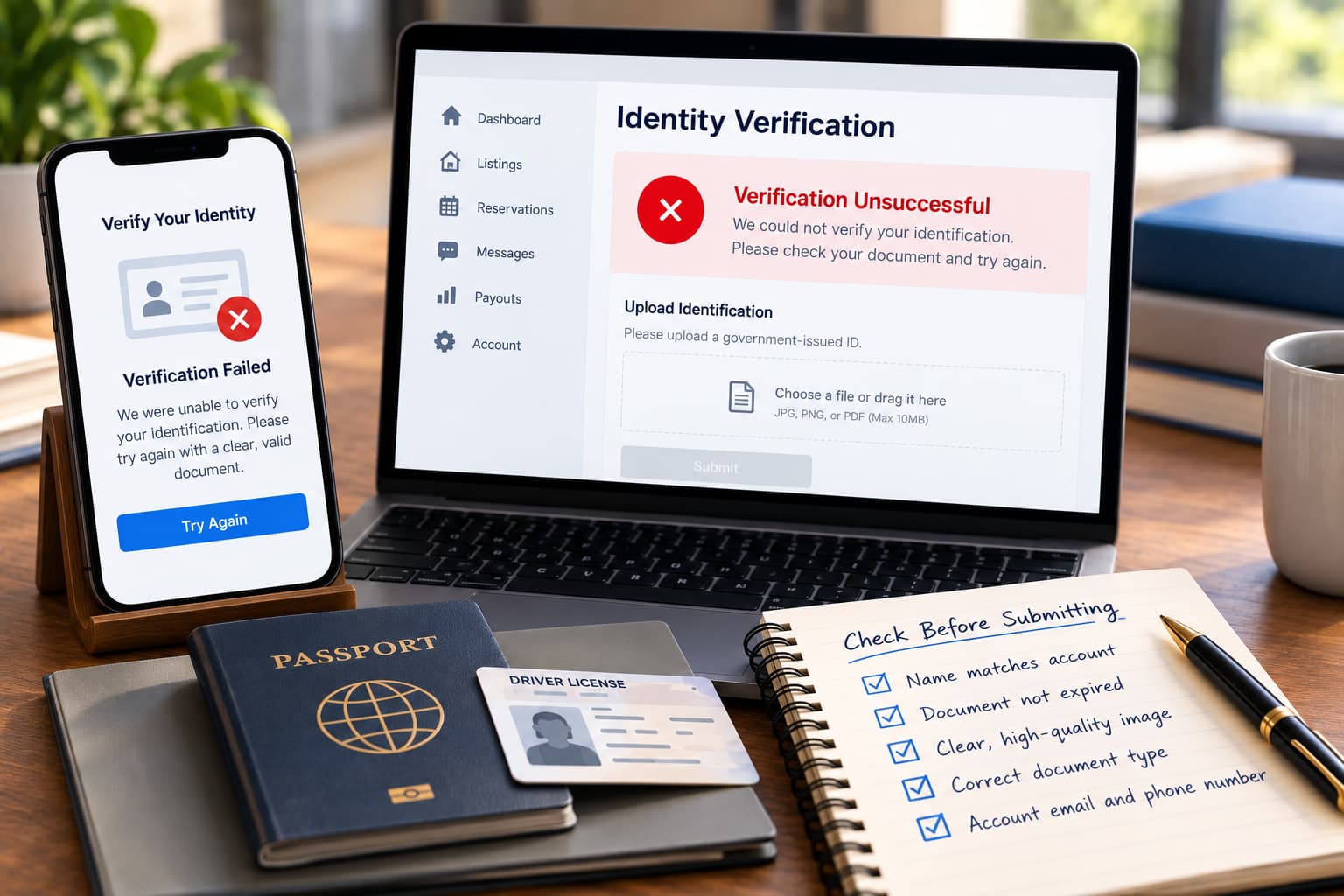
You submit your ID, and Airbnb rejects it. After several more attempts, the same thing happens.
Now you may be locked out of your account, unable to manage listings, or unsure whether upcoming bookings and payouts are still safe.
If your Airbnb ID verification not working problem keeps repeating, do not assume the account is permanently deactivated.
A failed verification attempt can mean Airbnb needs different information, cannot confirm what you submitted, or has moved the account into an additional review.
The immediate goal is to figure out what is failing and document the process before the problem affects more of your host account.
Airbnb identity verification can fail for several reasons.
Possible issues may include:
For example, the name on your Airbnb account may not exactly match the name on your identification. A document image may also be blurry, cropped, expired, or difficult for the verification system to read.
In other situations, the issue may be broader than the document itself. Airbnb may be reviewing account information, security concerns, or another mismatch that requires additional verification.
Do not guess at the reason.
If Airbnb gives you an error message, save the exact wording. If the message is vague, ask what information failed and what needs to be corrected before you submit again.
The goal is to identify the specific problem instead of repeatedly uploading documents without knowing what Airbnb is rejecting.
Before you upload another ID, check the basic information tied to your Airbnb account.
Review:
Make sure the information on your Airbnb account matches the identification you are submitting as closely as possible.
Also check the document itself. If the image is blurry, cropped, expired, or missing information Airbnb asked for, another submission may fail for the same reason.
Avoid repeatedly uploading different versions without keeping track of what you changed.
Random resubmissions can make the support record harder to follow. If you later need Airbnb to review the problem manually, it helps to show exactly what was submitted, when it was submitted, and what response you received.
If Airbnb verification keeps failing, start building a clear record of the problem.
Preserve:
Take screenshots showing what you can and cannot access. If listings are unavailable, bookings are affected, or payouts appear delayed, document those changes too.
Keep the verification records in date order. That makes it easier to show how many attempts you made, what Airbnb asked for, and whether the problem is getting worse instead of being resolved.
You submit your ID and Airbnb rejects it. Support asks you to try again. You resubmit the same or similar information, and the account remains restricted.
At that point, stop treating each failed attempt like a separate problem.
Start treating it as one ongoing verification issue that needs a clear explanation.
Ask Airbnb:
If Airbnb gives you a reason, save the response and address that specific issue.
If Airbnb does not explain what is failing, keep the request focused. Ask what information needs to be corrected or what step is required to complete verification.
The goal is to move beyond repeated uploads and get a clear path forward.
A verification problem becomes more serious when it starts interfering with the host’s ability to operate.
Warning signs may include:
At that point, document the business impact separately from the verification attempts.
For example, keep a record of any cancelled reservations, blocked dates, delayed payouts, or listings that became unavailable after the verification issue began.
If the problem escalates into a suspension or deactivation, see: Airbnb Deactivated My Account: What Can I Do?.
An Airbnb identity check failed message may start as a simple verification problem.
But sometimes the account appears to move into a broader review.
Warning signs may include:
If you start receiving messages like these, save them separately from the original ID verification errors.
The issue may no longer be only whether Airbnb can read your identification. Airbnb may also be reviewing the account, listings, payments, or security information.
Do not guess why the review started. Save the exact language Airbnb uses and ask what information is required.
At first, repeated ID verification failures may look like a technical support problem.
That changes when the issue starts affecting the host’s ability to operate or when Airbnb cannot provide a clear way to restore access.
Legal review may make sense when:
At that point, the problem may involve more than a failed upload. The host may be dealing with lost income, inaccessible account records, withheld funds, or a broader account restriction.
Traverse Legal represents hosts and short-term rental operators across the full lifecycle of the business. Account deactivation arbitrations. AirCover and guest damage disputes. Chargebacks and payout holds. Property management and arbitrage contracts. Owner agreements. Corporate formation and financing. Legal structuring work coordinated with our clients’ tax accountants on cost segregation and bonus depreciation planning. If you run a short-term rental business, we have very likely handled your problem before.
Prior results do not guarantee a similar outcome. Every case turns on its specific facts. This page is attorney advertising.
Before escalating, confirm that you have:
Keep the record in date order so it is easy to see what Airbnb requested, what you submitted, and how the account was affected after each attempt.
If your Airbnb ID verification is not working, start by saving every error message, documenting what you submitted, and asking Airbnb what specific information is failing.
If the verification problem blocks active listings, account access, confirmed reservations, or payouts, Traverse Legal can review the account history and help you evaluate the next steps. To discuss your situation, book a consultation through the contact form or call 866-936-7447.
Airbnb verification may fail because of identity mismatches, document quality, expired identification, inconsistent account information, or an additional review. Save the exact error message before submitting again.
Check the account information and document quality first. If repeated submissions fail, ask Airbnb what specifically is being rejected and whether another verification method or manual review is available.
A verification problem may limit access to parts of the account depending on the issue. Document anything you cannot access, especially listings, reservations, payout information, or support records.
It may. If payouts are delayed or held while verification is unresolved, save the payout history and any Airbnb message explaining the restriction.
Save proof of what you submitted and ask Airbnb to identify the mismatch or missing information. Avoid repeatedly uploading the same documents without knowing what Airbnb wants to be corrected.
Consider legal review if repeated verification failures lead to account restrictions, cancelled reservations, significant payout holds, suspension, or deactivation, especially when Airbnb provides no clear path to restore access.
As a founding partner of Traverse Legal, PLC, he has more than thirty years of experience as an attorney for both established companies and emerging start-ups. His extensive experience includes navigating technology law matters and complex litigation throughout the United States.

This page has been written, edited, and reviewed by a team of legal writers following our comprehensive editorial guidelines. This page was approved by attorney Enrico Schaefer, who has more than 20 years of legal experience as a practicing Business, IP, and Technology Law litigation attorney.
